
SMS Mockup Generator
Introduction
Role
Lead UX/UI Designer
Duration
July 2022 - Present
Tools
Figma
Jira
Slack
Background
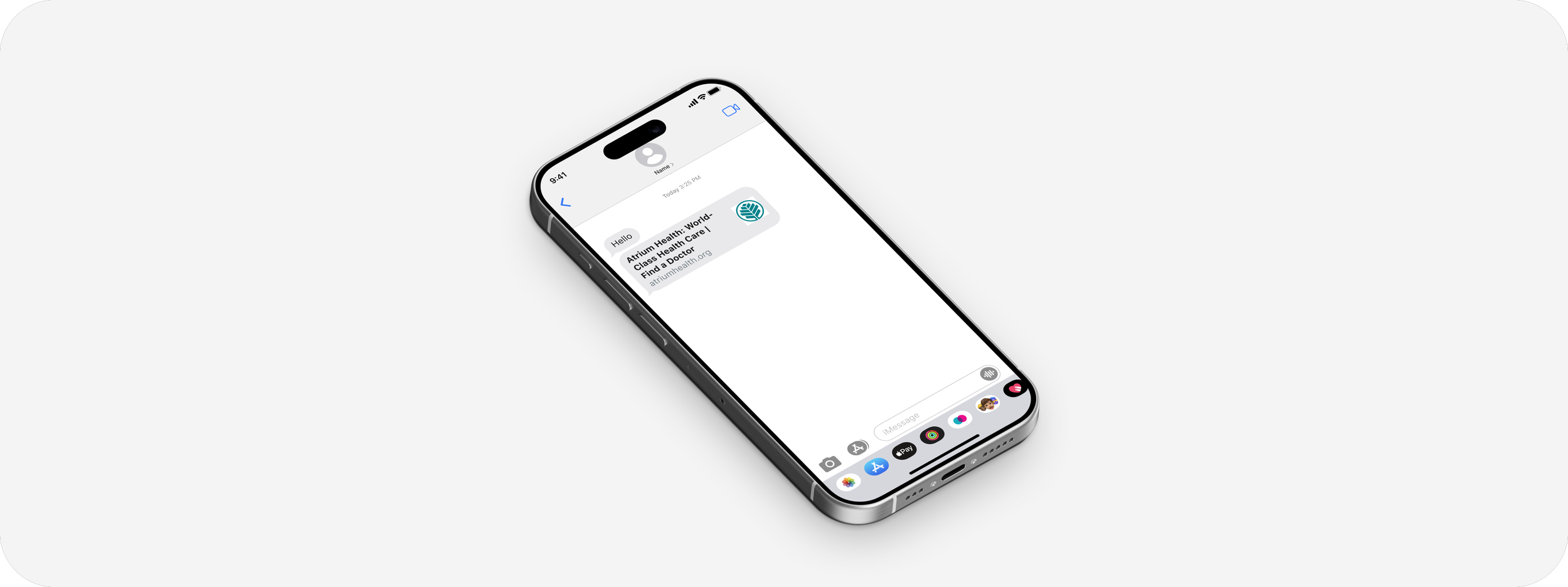
As a omni-channel patient relation management software, our product and marketing team perpetually need customize SMS mockups for their decks to demonstrate conversations or automated texts. Though the mockups themselves were not a big task, the large volume of mockups as well as the time for communicating, editing, and formatting the content took away time from both design as well as the product and marketing team.
This internal tool was made to bring efficiency to our workflow and giving non designers the autonomy to create mock ups whenever they needed.
Giving power to stakeholders
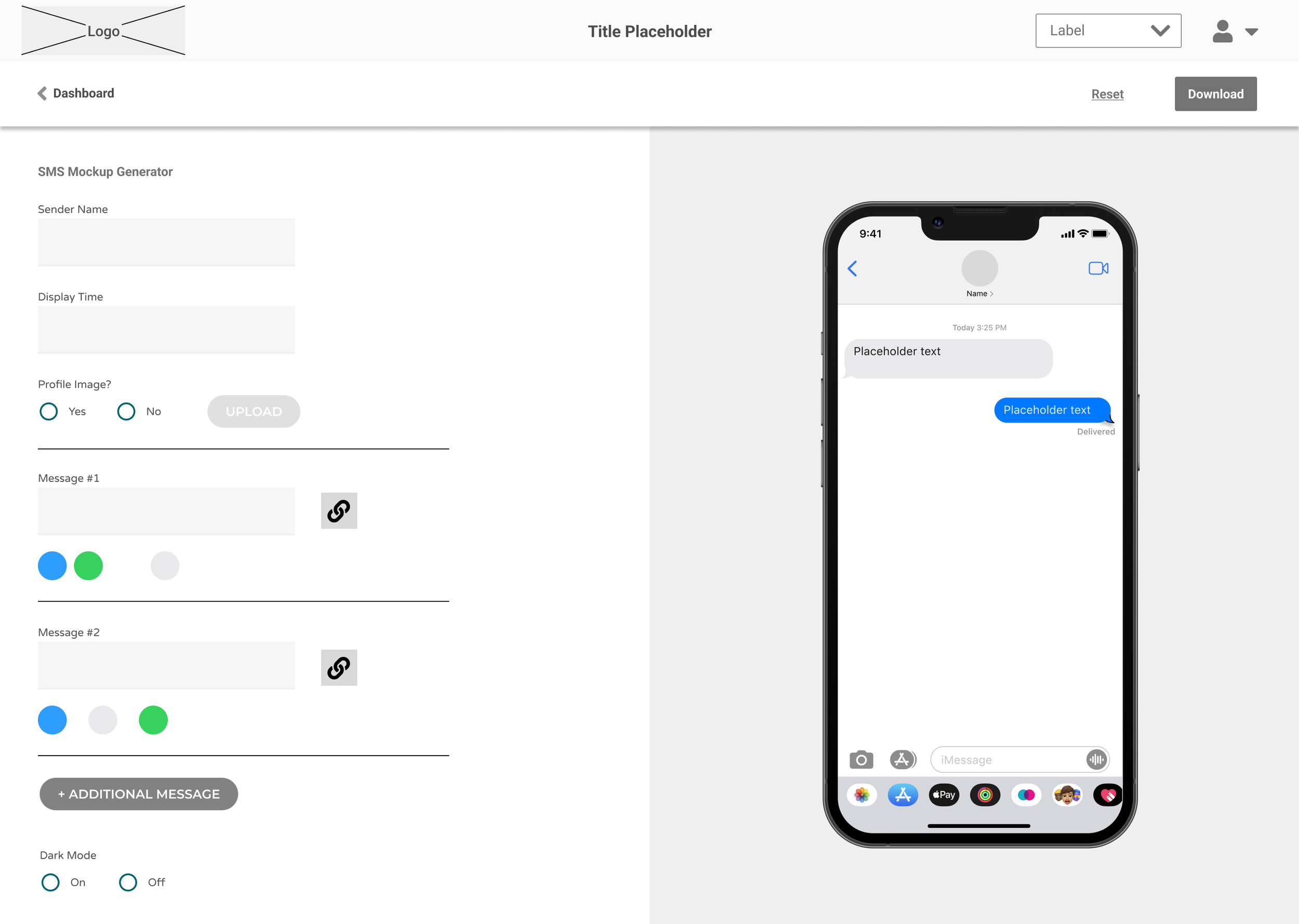
Collaborating with the Director of Product, Design Manager, and a dedicated full-stack developer, we brainstormed an internal tool that could be used to by our organization to create SMS mockups that have all the necessary customizability to be polished enough to be client facing and effectively display the story that needed to be portrayed.
Considerations
What makes the mockups look polished enough to look like screenshots of real SMS conversations?
Other than the obvious iOS interfaces what were some behaviors that needed to be considered?
How are the timestamps displayed (Today, Yesterday, Specific Dates)
Where does the timestamp go if there are multiple chat bubbles from one party?
How should preview bubbles be formatted when a hyperlink is sent?
What aspects of the mockups do users want to customize?
Interviewing members of the product market team, we determined what some key features are that they would need to customize to make a effective mockup.
The device time and message timestamps need to be customizable to portray prompt response and idle conversations
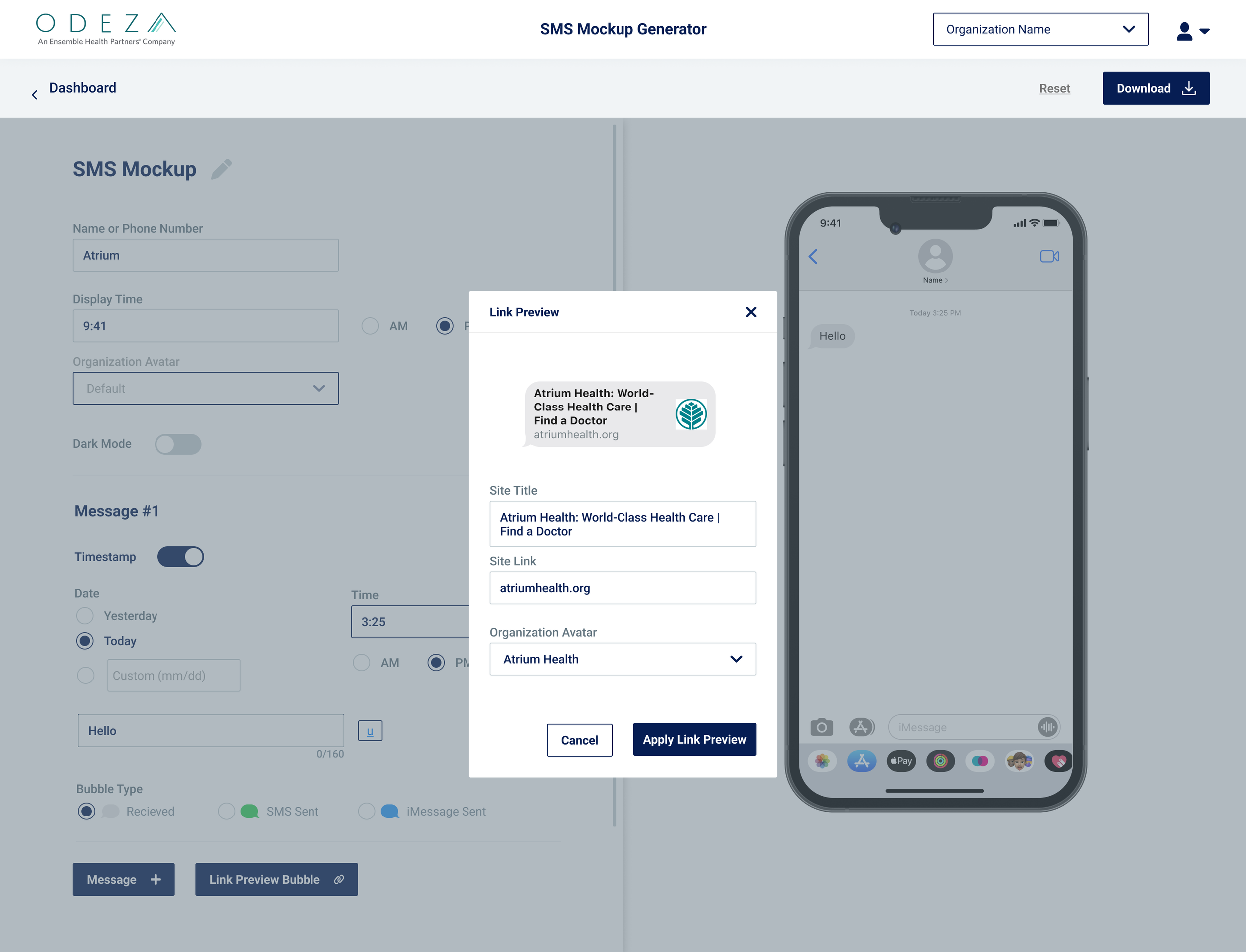
They want to be able to decide what appears as a hyperlink and what has a preview bubble.
Pivot between light/dark mode.
The Design
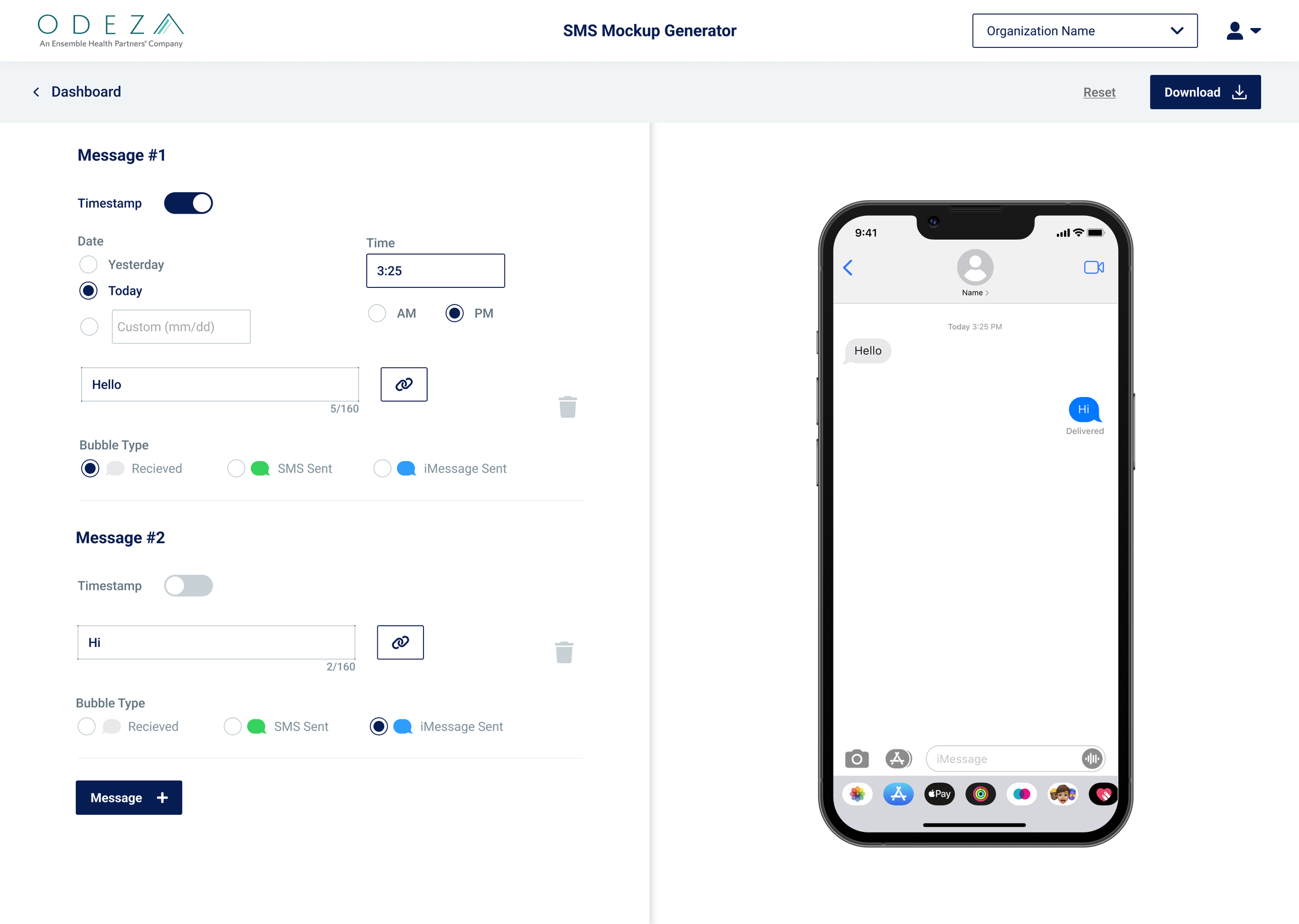
Considering the limited time and engineering resources we had for this project, we decided the priority was to have a live preview of the mockup so all our internal users can see in real time what they were changing in the fields.
As our staff got more used to the interface and started to use the tool for their presentation decks, the demand for more complicated features like the Link Preview Bubbles were added.
The Results
After introducing the SMS Mockup Generator to our internal users, the requests for mockups was reduced to the very occasional ask from leadership on mocks that showed continuous conversations through overflow. Our team discussed the possibility of making the preview scrollable and dynamic so the users can choose where in the conversation they can export, but we decided to but the idea on hold to prioritize the ease of use for the time being.